Every streamer knows the moment. The laptop freezes, the Wi-Fi drops, the app crashes, and the stream is gone. Viewers leave, chat goes quiet, and the VOD ends up in two pieces.
Videorc Cloud is live today, and it's there for that moment. With Videorc Premium or the new Videorc Max, your stream goes through the cloud. If your computer goes down, the show stays on air.
TL;DR
- Your stream never dies. If your computer crashes or loses its connection, viewers see your Be right back screen within seconds, and the platforms never see a drop. When your computer is back, Videorc offers to resume.
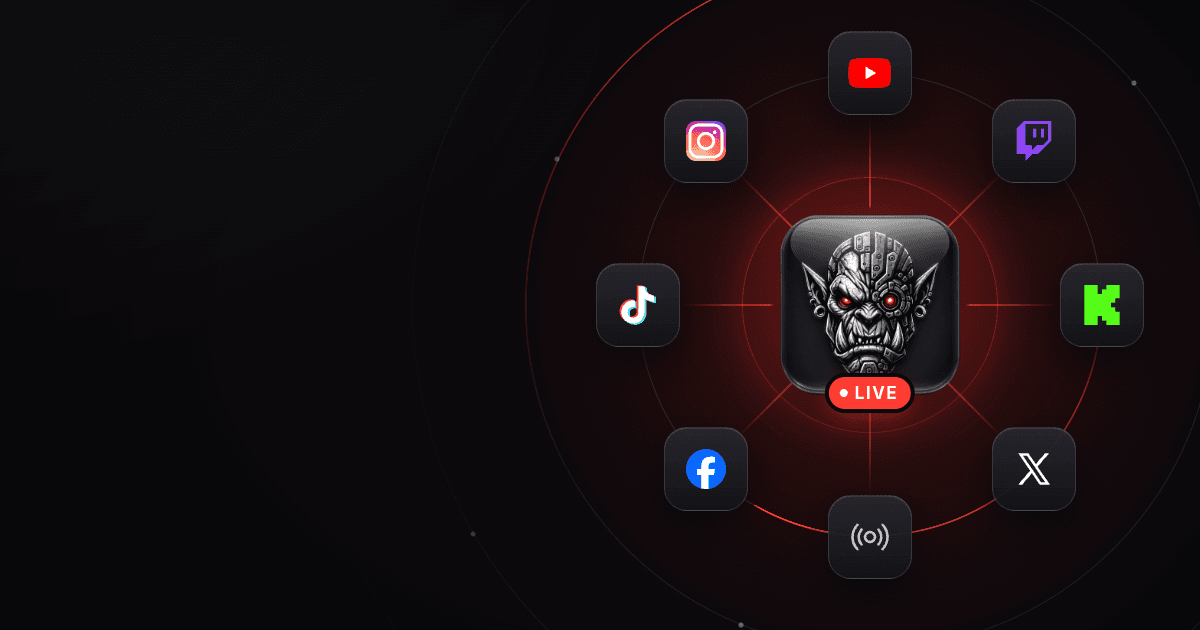
- You upload once. Videorc Cloud sends your stream to every platform you picked.
- Talk shows with guests. Send a link. Guests join from a browser on a laptop or a phone, with no app and no account.
- Continue on another device. Hand a live show to your phone, a browser, or another computer without ending it.
- Cloud recording. Record a talk show in the cloud, then watch and download it.
- Two plans. Premium has 10 cloud hours a month and 1 guest. The new Max plan has 100 cloud hours and up to 5 guests on stage.
- Where it runs. Videorc Cloud and talk shows are on all three: the macOS Beta and the Windows 11 and Linux alphas. The free studio stays free.
Your stream never dies
Without the cloud, Videorc streams straight from your computer. One encode leaves your machine and goes to every destination you turned on. That's still how the free plan works, and it's a good way to stream. Its weak spot is that the stream lives and dies with your computer.
With Videorc Cloud, your computer sends one copy of your stream to the cloud, and the cloud sends it on to the platforms. If your computer goes away, the cloud doesn't:
- Viewers see your Be right back screen within seconds, and chat keeps going.
- YouTube, Twitch and the rest never see a drop, so the broadcast and the VOD stay in one piece.
- When your computer is back, Videorc offers to resume, and you pick up where you left off.
- Be right back holds for up to 30 minutes, or up to an hour if you choose. After that, the stream ends cleanly.
With Videorc Cloud, your upload carries one copy of the stream, however many platforms you picked. The cloud sends it to each of them.
Before a show that matters, press Test Videorc Cloud in Livestream setup. It sends a few seconds of test video through the cloud, so you know it works from your connection. A test doesn't use your cloud hours.
Talk shows with guests
Talk shows are the other half of this launch. Copy your show's guest link in Videorc and send it to your guests:
- Guests open the link in a browser on a laptop or a phone, check their camera and mic, and ask to join.
- You let them in. They wait backstage until you bring them on stage.
- They don't need an app or an account.
- You can mute, remove or ban a guest, and make a new link at any time.
Premium seats 1 guest on stage. Max seats up to 5 guests on stage, with up to 10 people in the room. The show runs in the cloud, so in a Max talk show your guests keep talking if your computer drops, and your tile says Back in a moment.
Continue on another device
Sometimes the computer has to go, but the show doesn't. Continue on another device hands a live show to a signed-in phone, a browser, or another computer.
- Viewers see Be right back until the other device goes on air.
- The platforms stay connected the whole time, so it's still one broadcast.
- Your stream keys stay on the computers that have them. A phone takes over with its own camera, and a second computer uses the keys saved on it.
- On a phone, keep the screen on. Locking it can stop the camera.
In a talk show, your guests stay in the room and on stage while you move to the other device.
Cloud recording
Press Record in a talk show, and it's recorded in the cloud while you're live. You can watch and download each recording in the app's Library or on videorc.com under Library. Premium keeps them 7 days and Max keeps them 30 days. A solo show isn't recorded in the cloud. Record it on your computer as always: Videorc writes the file and goes live from the same take.
Cloud hours
A cloud hour is the time a show runs through Videorc Cloud, Be right back included, counted by the second.
- Guests don't multiply it: a 2-hour talk show with 4 guests is 2 hours.
- Hours reset on the 1st of each month (UTC).
- A show that runs past your hours keeps going at no charge. We never cut a live show for hours.
- Once your hours are used up, Go Live streams straight from your computer until the 1st.
The plans
| Free | Premium | Max | |
|---|---|---|---|
| Price | $0 | $39/mo, or $390/yr | $99/mo, or $990/yr |
| Local recording | Yes | Yes | Yes |
| Multistream from your computer | 7+ destinations at 1080p30 | 7+ destinations at 1080p30 | 7+ destinations at 1080p30 |
| Videorc Cloud | No | 10 hours a month | 100 hours a month |
| Guests on stage | No | 1 | Up to 5 |
| Cloud recordings kept | No | 7 days | 30 days |
| Live captions, Sidekick, Clean cut | No | Yes | Yes |
Prices are in USD. Yearly is two months free on both plans. You can cancel any time: the free studio keeps working, and your recordings stay yours.
Free stays free. Local recording and multistream to 7+ destinations at 1080p30 cost nothing, with no watermark, and the encode runs on your computer. Paying buys the cloud, guests and the AI tools. It doesn't buy more destinations or better quality.
Where it runs
Videorc runs on Mac (beta), Windows 11 (alpha), and Linux (alpha), and Videorc Cloud and talk shows are on all three.
- macOS Beta. That's where we've tested Videorc Cloud end to end, solo shows and talk shows with guests alike.
- Windows 11 alpha. Videorc Cloud and hosting talk shows are there as alpha features, like the app itself. We haven't run them hands-on on Windows yet, so run Test Videorc Cloud before a show that matters, and tell us what breaks.
- Linux alpha. Videorc Cloud and hosting talk shows are there as alpha features too, not yet verified on Linux. In a talk show hosted on Linux, guests don't see your screen or hear your desktop audio yet.
- Guests can be on anything. They join from a browser on a Mac, a Windows or Linux PC, or a phone.
What we keep
The short version, with the full details in the Privacy Policy:
- Your stream passes through LiveKit, our video provider, while you're live.
- We don't store your stream keys.
- We don't record a solo show.
- A talk show's cloud recording is deleted after 7 days on Premium or 30 days on Max.
- Every call to YouTube's API still comes from your computer.
Try it
Update Videorc on your computer, then go to Livestream. With Premium or Max, Videorc Cloud is on. Run Test Videorc Cloud once, then go live as usual. To host a talk show, open the Guests tab in Livestream and copy the link.
Questions, bugs or ideas: orc@videorc.com. I read every one.
OrcDev