
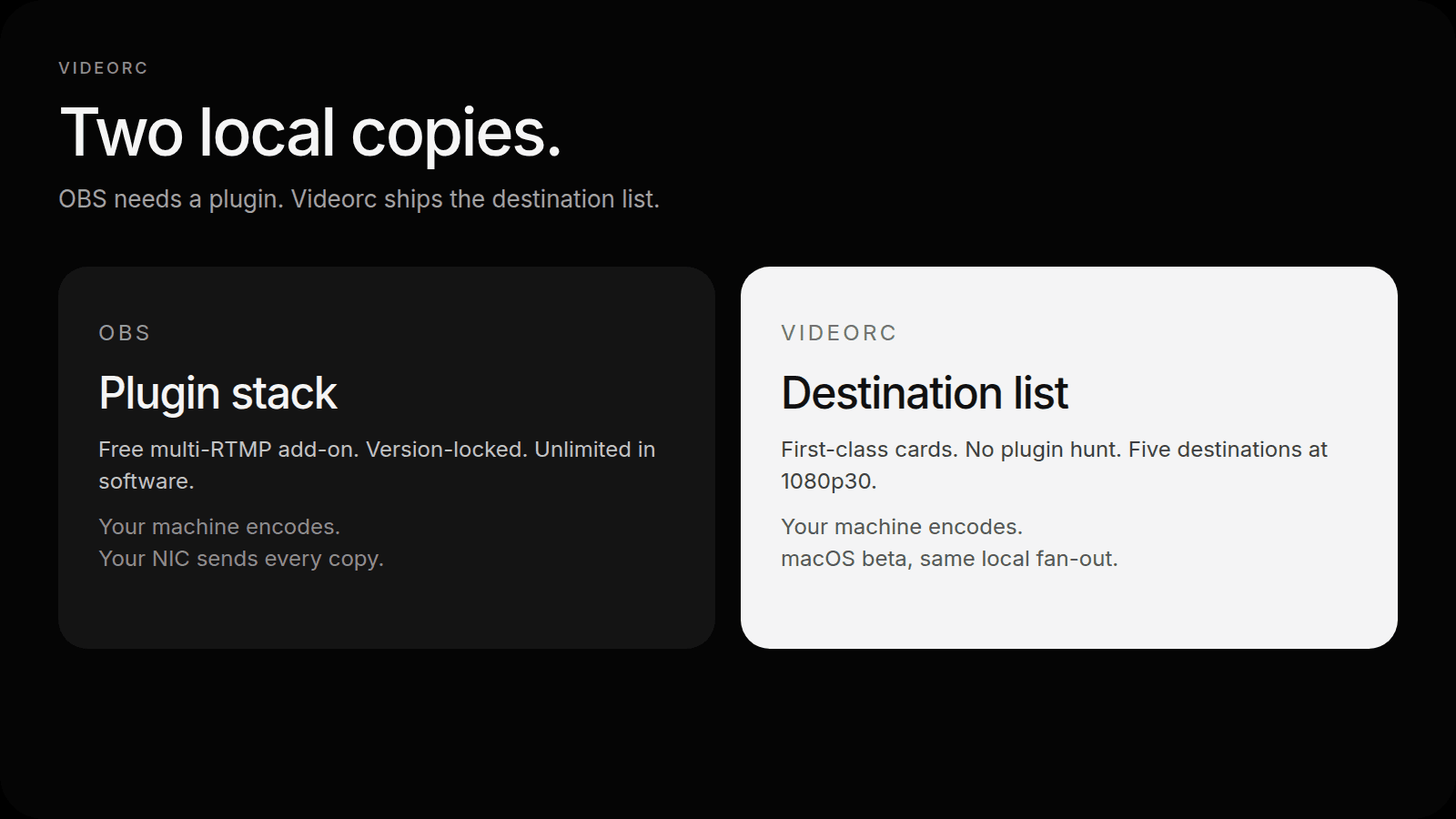
You already know OBS. The usual next step for two platforms is a paid relay or a plugin. The plugin path is real. OBS plus a free multi-RTMP add-on such as Aitum Multistream or obs-multi-rtmp will send as many copies as your uplink can hold, from your own machine, with no Restream invoice.
Videorc is not a cloud relay either. It is an open-source recorder and studio for Mac and Windows where destinations are a first-class list instead of a dock you install after the fact. The interesting comparison is setup time, cost, the plugin tax, and where the encode is copied. Not another Restream table.
A free multi-RTMP plugin is not a footnote. It is the builder workaround that made client-side fan-out normal. Videorc does not invent that category. It ships the destination list so you do not have to assemble it.
TL;DR
- OBS plus a free multi-RTMP plugin copies the encode on your computer. So does Videorc.
- Videorc: free local record, free multistream up to 5 destinations at 1080p30, on Mac and Windows.
- Premium is 4K streaming, captions, and AI publish. Not more destinations.
- The tax on OBS is time: find a plugin that matches your OBS version, keep it loaded after updates, and wire each output yourself.
- Stay on OBS when you want the plugin ecosystem, Linux, more than five destinations, or per-output encoder settings.
- Per-platform keys and the five-destination walkthrough live in the multistream guide.
Side by side
| OBS + free multi-RTMP plugin | Videorc | |
|---|---|---|
| Setup time | Install OBS, pick a plugin that matches that build, restart, add each output | Install Videorc, add destination cards, connect or paste a key |
| Cost to copy | $0. The plugin is free. Upload is yours. | $0 for up to 5 destinations at 1080p30. Upload is yours. |
| Plugin tax | Yes. OBS updates can unload or break the add-on. | None. Destinations ship in the app. |
| Where it is encoded | Your computer | Your computer |
| Where copies leave | Your NIC, one per destination | Your NIC, one per destination |
| Destination cap | Software-unlimited. Uplink is the limit. | 5 on every plan, where the current build supports it |
| Recorder | OBS records too | Local record, including 4K capture, no watermark |
| Platforms we claim | Windows, macOS, Linux (OBS) | Mac and Windows. Check the download page for the current build on your OS. |
This is not a cloud-relay scoreboard. That lives in the free-cap comparison. Here the other column is OBS.
Setup time
OBS is fast if the scene is already built. Multistream is the extra hour.
You pick a plugin that still loads on your OBS version. Aitum Multistream is the current free dock a lot of people use. Older guides still point at obs-multi-rtmp. Either way you download an installer that is not OBS, restart, open a dock, and add each RTMP output by hand. Then you confirm the plugin survived the last OBS point release.
Videorc’s setup is the destination list. Open Livestream, add a card per platform, connect Twitch or X, paste a Server URL and stream key for YouTube and anyone else that still issues one. Press Go Live once. There is no “which plugin build matches 31.0” step.
If you already have a mature OBS scene, switching costs you that scene. Videorc is not a plugin host. It will not load your existing filters, browser sources, or NDI graph. That is a real switching cost, and it is why a lot of people should stay on OBS.
Cost
Neither tool charges you to send the second copy. That is the whole point of client-side fan-out. The vendor is not billed for destination four, so there is no sales ladder attached to it.
OBS Studio is free. Aitum Multistream is free. obs-multi-rtmp is free. You pay upload, CPU, and the time you spend keeping the stack aligned.
Videorc is free for local recording and for multistream up to five destinations at 1080p30 where the current build supports it. Every plan has the same five-destination ceiling. Multistreams stay at 1080p30 on every tier.
Premium does not buy more destinations. It buys a higher single-stream quality ceiling (4K30 or 1080p60 where the platform accepts it), live captions, and AI publish. If a page ever reads like a paid plan buys extra platforms, that page is wrong.
Paid relays are a different invoice. Restream and friends charge because they copy the stream in their data center. Skip that comparison if you already refused to pay for a relay. You are choosing between two local encoders.
Five copies leave your NIC either way. If you have 15 Mbps up, you do not have five healthy 6 Mbps streams. Cloud relays sell the fact that you upload once. OBS and Videorc do not.
The plugin tax
OBS is a host. Multistream arrives as a third-party output.
That is a feature when you want NDI, VST, advanced audio, a vertical canvas plugin, or a browser source that only exists in the OBS ecosystem. It is a tax when the thing you wanted was “Twitch and YouTube, tonight.”
The tax looks like this:
- The plugin page lags the OBS release you just installed.
- macOS Gatekeeper or a signing change blocks the add-on until you click through.
- A dock disappears after an update and you rebuild the outputs.
- Two guides disagree on which plugin is current, so you install both and only one starts.
Videorc’s destination cards are not a plugin. You do not keep a second changelog in your head. You also do not get the OBS plugin catalog. That is the trade, stated plainly.
Where the stream is encoded and copied
Both tools encode on the machine in front of you. Both copy that encode locally and open one outbound connection per destination. Nothing in this comparison sits in a vendor region waiting to re-send your bitrate.
OBS can go further on the encode itself. Aitum Multistream can attach a different encoder and audio mix per output, so YouTube can be heavier than Twitch without a second scene collection. Videorc encodes the scene once and sends the same 1080p30 picture to every card. Same encode, same settings. If you need a lean Twitch bitrate next to a fat YouTube one, OBS still wins that row.
The architectural split versus a relay is identical for both: you upload N times. The architectural split versus each other is product shape. OBS is a compositor you extend. Videorc is a recorder and studio with a destination list.
When OBS still wins
Keep OBS when any of these are true:
- You already live in scenes, filters, and a plugin stack you trust.
- You need Linux. Videorc does not ship a Linux GA.
- You want more than five destinations and your uplink can hold them.
- You want per-output encoders, a different audio track per platform, or a vertical plugin beside the horizontal canvas.
- You depend on NDI, VST, advanced browser sources, or a specific overlay workflow that only exists as an OBS plugin.
Videorc does not pretend to replace that workshop. It is a studio for people who want cards, a local recording library, and five destinations without assembling a dock. Videorc is available on Mac and Windows. Mac is the established beta; Windows builds are on the download page.
What Videorc is for
Use Videorc if you want the destinations on the desktop and the code on GitHub, and you do not want the plugin step in the middle. Add up to five cards, record locally (including 4K capture) with no watermark, and go live at 1080p30 from your computer.
Use OBS if the compositor is the product. That is a good reason.
The pair most people start with is Twitch plus YouTube. That walkthrough is how to stream to Twitch and YouTube at the same time. The rest of the platforms sit in the multistream guide.
FAQ
Does OBS already do free multistream?
Yes. OBS plus a free multi-RTMP plugin such as Aitum Multistream or obs-multi-rtmp sends as many copies as your uplink can hold. Videorc is not the only $0 path. It is the path where the destination list is a product, not an add-on.
Is Videorc just OBS with a prettier list?
No. Videorc is a recorder and studio: local library, destination cards, OAuth for Twitch and X, and a single Go Live. It will not load your OBS scene collection or plugin graph. If that graph is why you stayed, stay.
Do I pay Videorc for more destinations?
No. The paid plan is 4K streaming, captions, and AI publish. The cap stays five at 1080p30 on every plan.
Where is the stream copied?
On your computer, for both tools. OBS and Videorc fan out from the machine you already own. A paid relay copies in someone else’s data center. That is a different product.
When should I stay on OBS?
When you want the plugin ecosystem, Linux, more than five destinations, per-output encoders, or a scene graph you already trust. Those are wins, not leftovers.
Does this work on Windows today?
Yes. Videorc is available on Mac and Windows. Mac is the established beta; Windows builds are on the download page. Check that page for the current build on your OS.