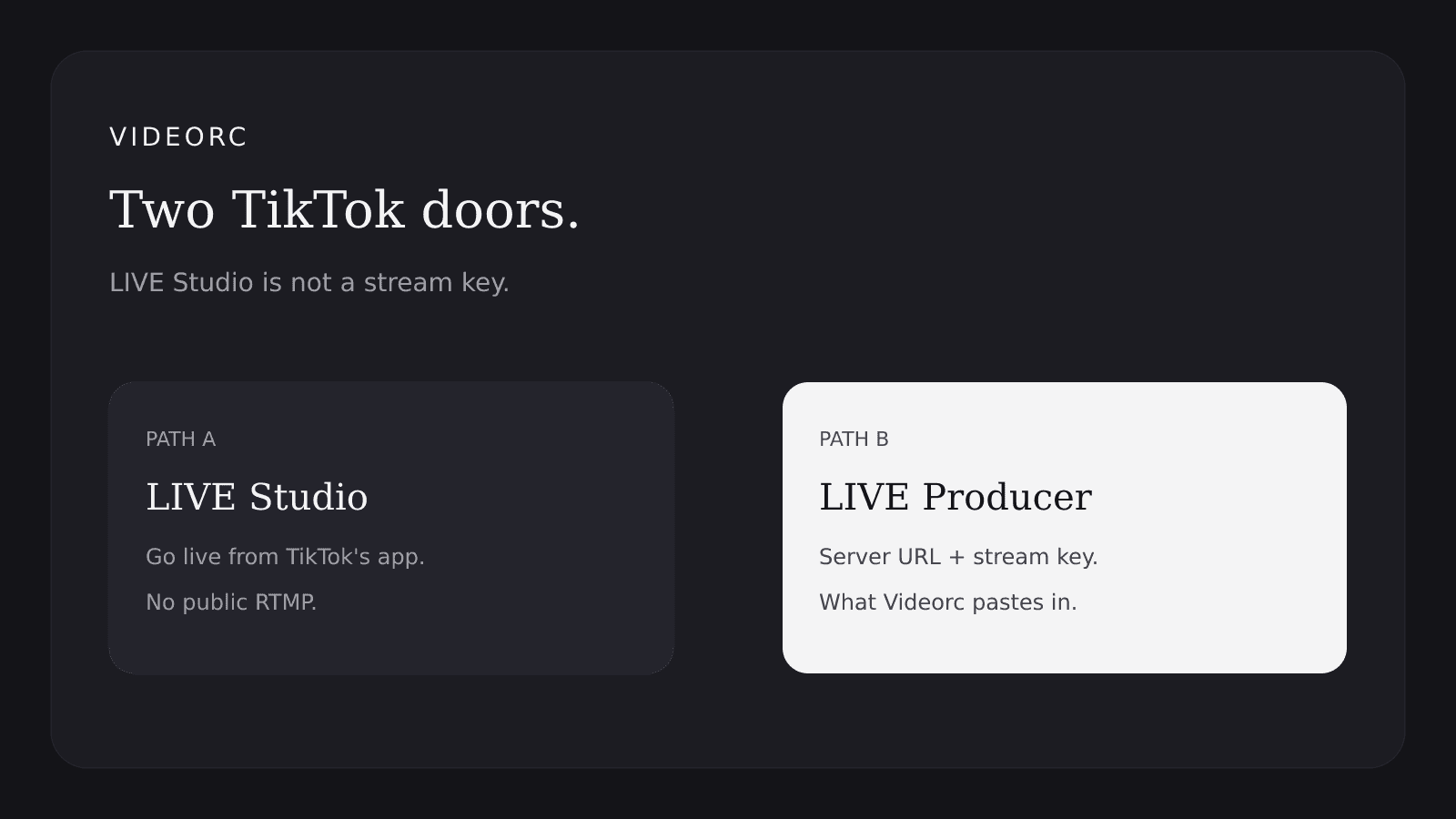
Videorc needs Server URL and a stream key. That is RTMP. LIVE Studio approval does not unlock it.
TL;DR
A lot of people get a green 14-day LIVE access modal and assume a stream key is next. It is not. TikTok has two different doors.
- Videorc needs Server URL + stream key (RTMP).
- LIVE Studio approval does not unlock that.
- A /producer redirect means no Producer yet.
- Use Studio (or a virtual cam) until the key appears.
Two TikTok unlocks
TikTok has two different doors. They are easy to mix up.
Go live from TikTok LIVE Studio on your computer. This is the 14-day access modal a lot of people get after follower and safety checks go green.
Server URL plus stream key. That is what OBS, Streamlabs, Restream, and Videorc paste in.
A without B is common. You can be “approved” for Studio and still have no public RTMP. That is the wall.
What Videorc’s TikTok card expects
Open the TikTok card in Videorc. Paste the Server URL. Paste the stream key.
TikTok often mints a new key per session. If last week’s key dies, grab a fresh one from Producer, not from the Studio approval modal.
Videorc cannot invent a key TikTok never issued.
What “approved” looks like
The LIVE access modal can look fully green and still only be Path A.
- Get 14-day access is checked.
- Expires in 14 days.
- Requirements are green.
- Extend access is greyed out. That is later renewal, not Producer.
Studio go-live works. Producer does not. That is not a Videorc failure.
If livecenter.tiktok.com/producer redirects
That redirect is normal without Path B. You do not have a public RTMP endpoint yet.
Try livecenter.tiktok.com/producer. If it bounces you elsewhere, stop refreshing. Worth trying, in order:
- LIVE Studio stream settings / OBS panel, if your build shows one.
- Cast to PC.
- Streamlabs or Restream apply flows.
- Creator Network / LIVE Partner programs.
Many accounts never get public RTMP. TikTok decides. Videorc cannot escalate that.
Workarounds
Until a key exists, do not block the rest of the stream.
- Use LIVE Studio for TikTok. Use Videorc for every other destination.
- Point Videorc’s virtual camera into LIVE Studio, then go live from Studio.
- Recheck Producer later. Access can show up after more LIVE days, more followers, or a program invite.
Checklist
- You can go live from TikTok LIVE Studio.
- You can see Server URL and Stream Key fields.
- You pasted both into Videorc’s TikTok card.
- If those fields are missing, do not fight /producer.
FAQ
Why does Videorc open TikTok Producer?
That is where TikTok puts Server URL and stream key when LIVE Producer exists. Videorc sends you there to copy those two fields. If /producer redirects away, TikTok has not given you Producer yet.
I have 1,000 followers and 14-day LIVE access. Why is there no key?
Those unlock LIVE / LIVE Studio, not RTMP. Different door. Green requirements and a 14-day timer do not mint a stream key.
Is this a Videorc bug?
No. Videorc streams RTMP. No Server URL and stream key means no TikTok destination. Other platforms that show a key still work.
Can I log into TikTok inside Videorc and skip the key?
Only if TikTok offers a public login or API that issues ingest credentials to third-party apps. Today that is not something we can honestly ship. If TikTok opens it, we will use it.